
Technology and STEM
Computer Curriculum
Middle and High School
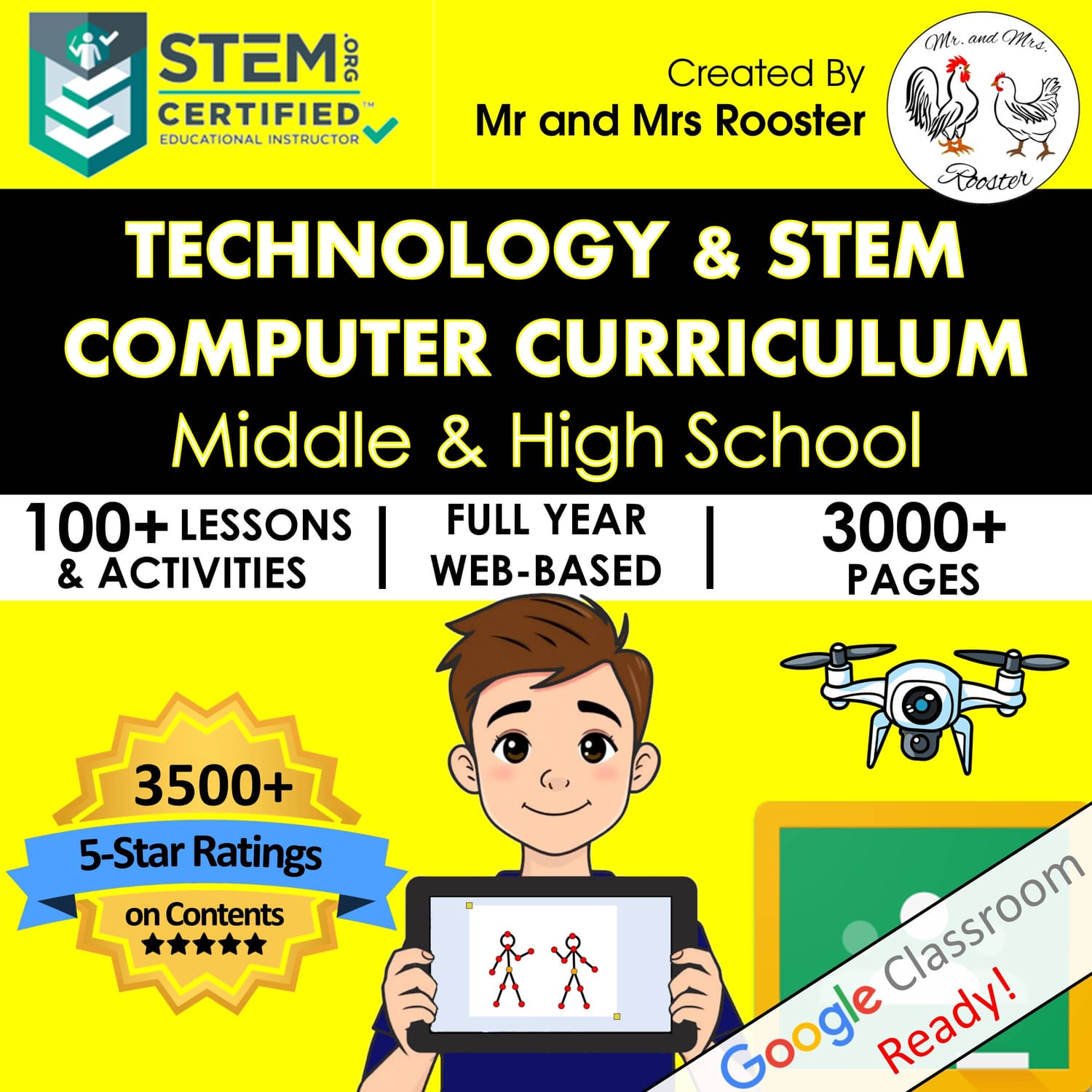
Everything you need to teach technology and STEM for 7 years!
Fully digital, student-centered curriculum with 100+ standards-aligned lessons for grades 6-12!
Everything you need to teach
technology and STEM for 7 years!
Need a Full Year of
Tech Lessons?
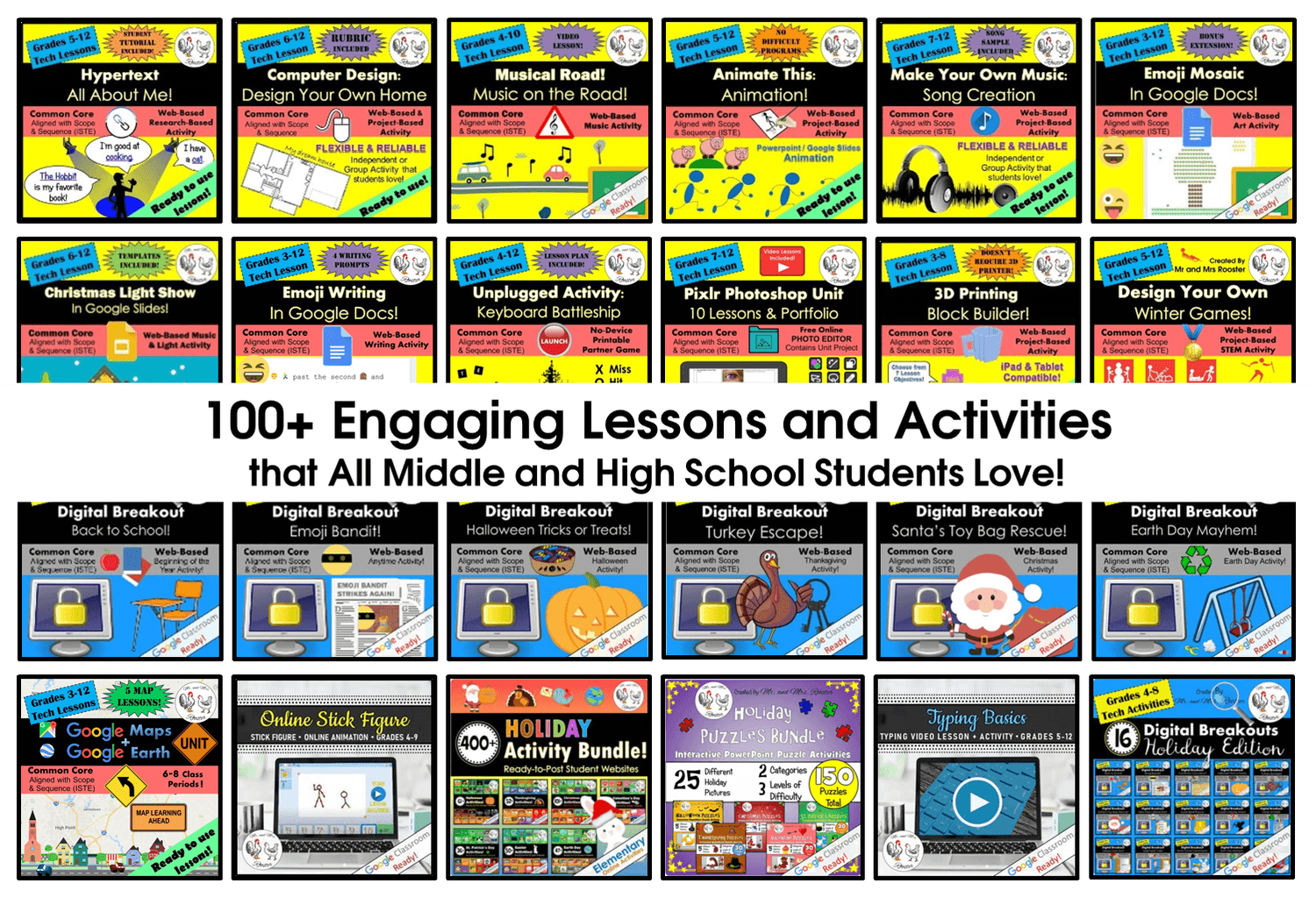
The complete Middle and High School STEM and Technology Curriculum includes over 100 lessons and activities! Lessons, guides, rubrics, and bonus resources are included. Whether you're teaching keyboarding, A.I., STEM, Digital Citizenship, spreadsheets, Graphic Design, or Engineering, we have it all in here!
How It Works
Get Free Access

Try It in Your Classroom
Upgrade to the Full Curriculum
Get 7 Years' Worth of Lessons!
Grades 6-12
What Teachers Are Saying

Exactly What I Needed!
"I recently purchased this resource and couldn't be happier with it! The materials are clearly organized, easy to use, and saved me so much prep time. My students were engaged from the start, and the activities aligned perfectly with my lesson objectives."
-Khristina S.
Students Enjoyed Every Lesson!
"Being a second year tech teacher for a small school, I struggled so much to find lessons for 5th through 8th grade, especially lessons they would enjoy. When I found your TPT site, I purchased your curriculum. It was definitely well worth the money spent just for lesson planning. My students have enjoyed every lesson I have tried with them, so far. Thank you again."
-Michael O.
Wow! A Great Buy!
"Thank you so much for all the things that you're providing!"
-Jodi L.
Tons of Resources and Less Planning!
"I bought this to use for my computer applications class and it is amazing! Everything I need and a lot less planning for me!"
-Melissa C.
Worth every penny!
"This is my 27th year teaching, but my first year teaching middle school technology and digital skills. I was looking for some engaging lessons to do with my 7th and 8th graders, and this resource came up in my searches almost every time! I liked so many of them that I decide to "bite the bullet" and get it, and I'm so glad I did! Everything is spelled out for you. Thanks! :)"
-Sandy C.
Curriculum Features
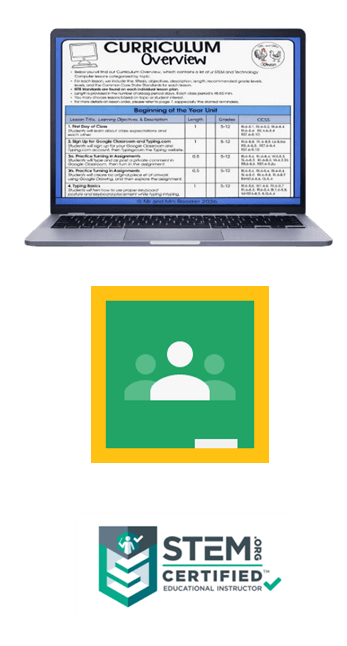
Free Updates & Additions
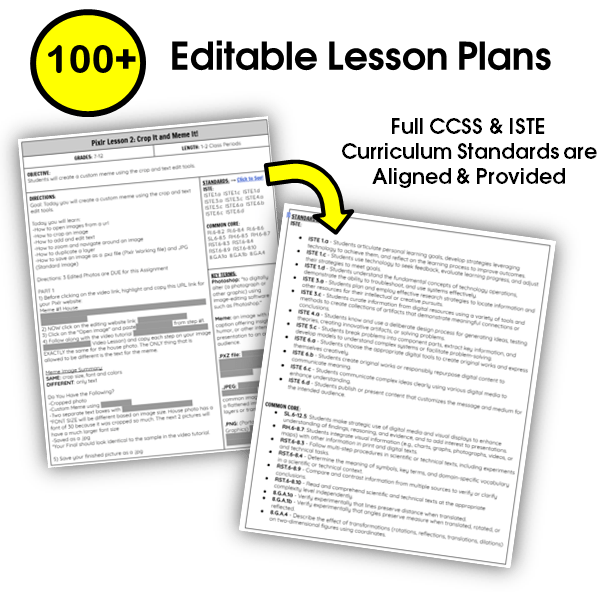
100+ Engaging Lessons
100% Digital & Web Based
Ready for Google Classroom(TM)
Distance Learning Ready
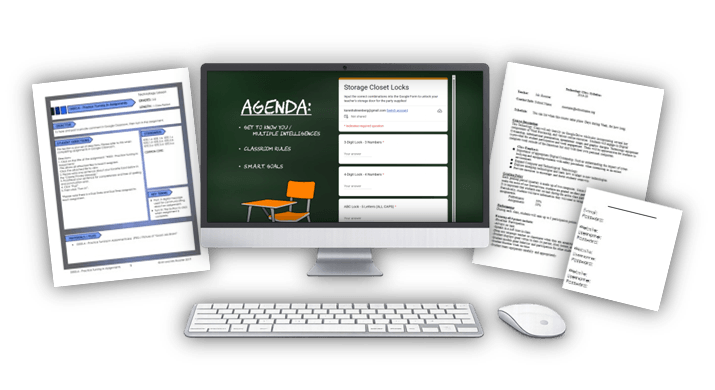
Editable Lesson Plans
ISTE & Common Core Aligned
Created by STEM Certified Teacher
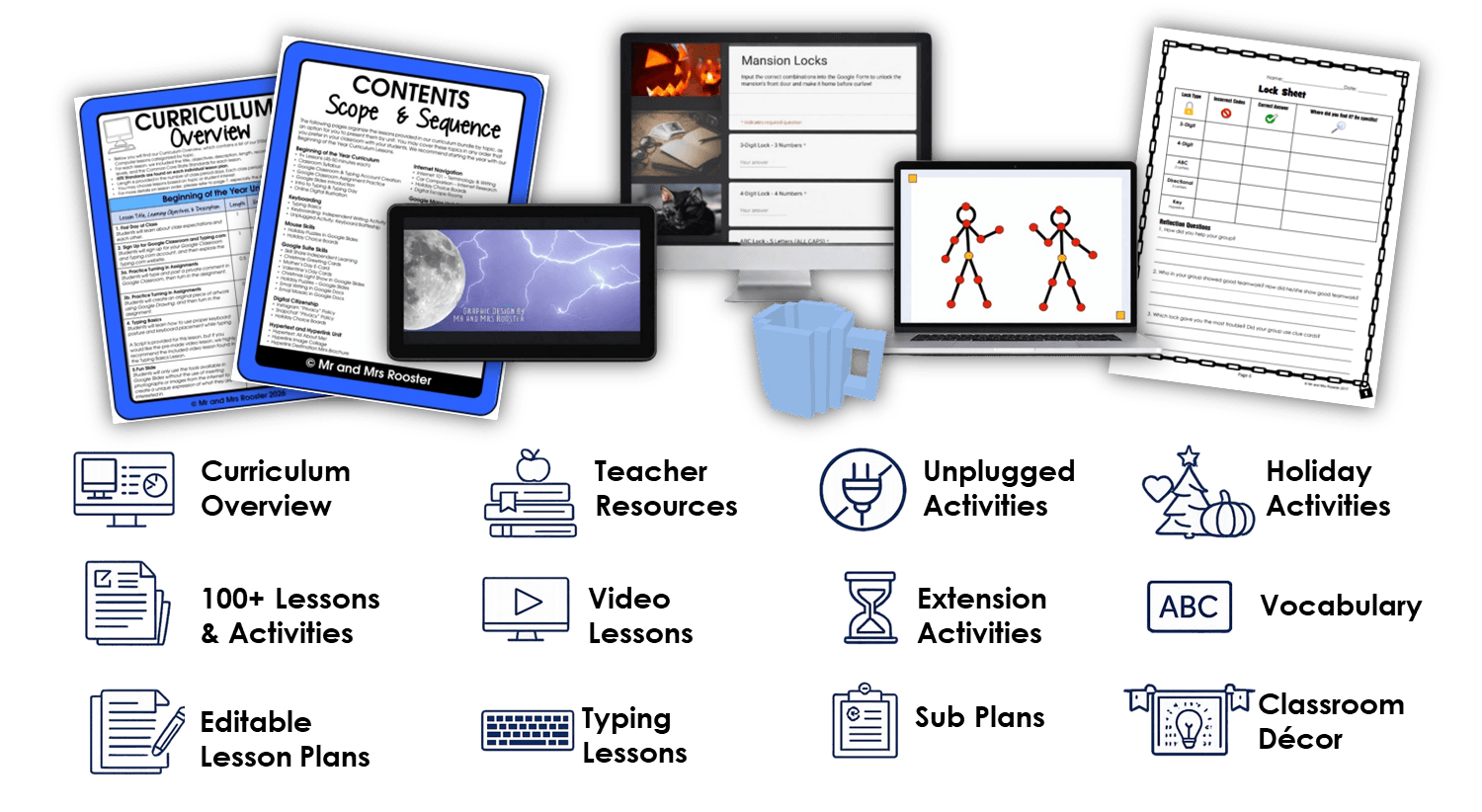
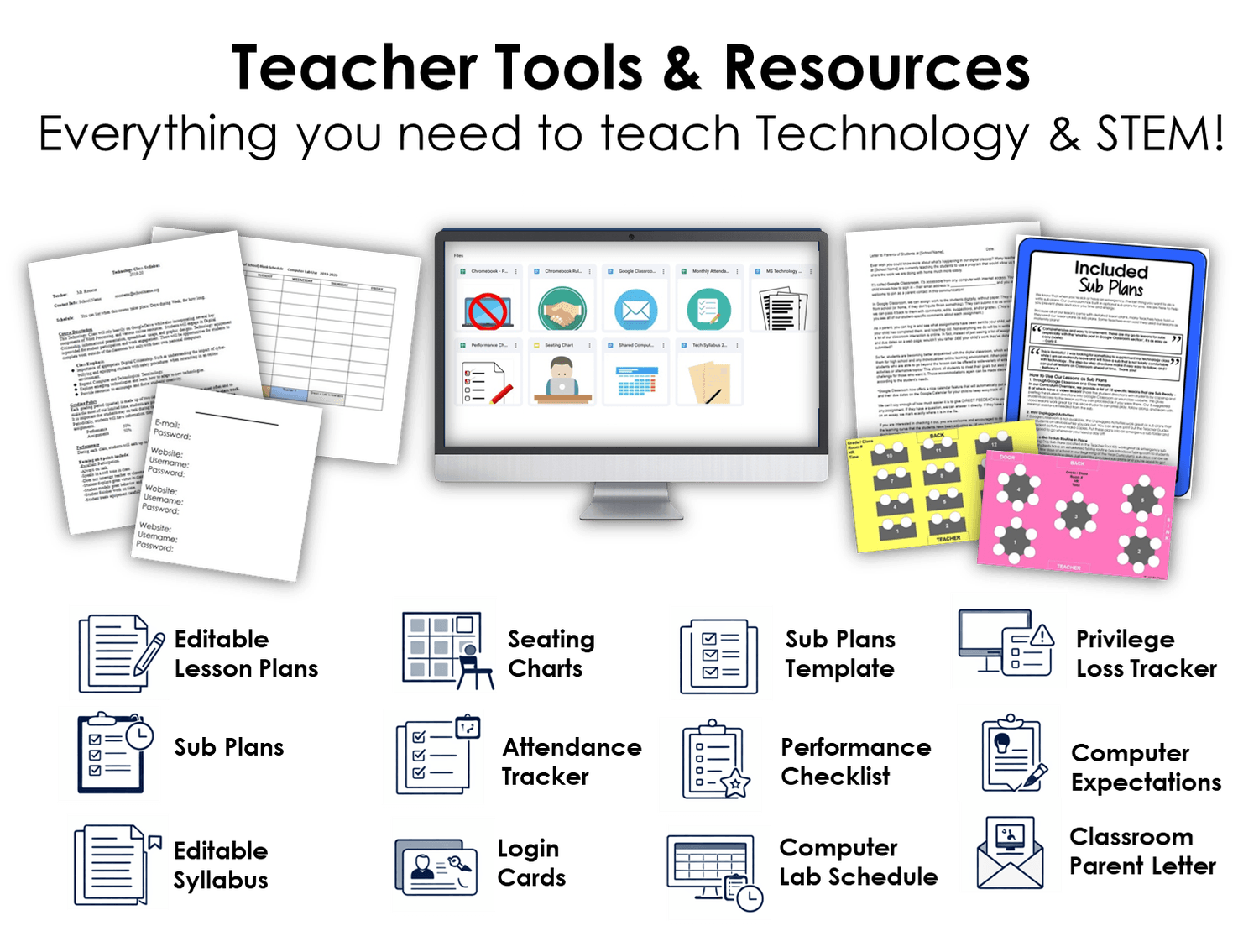
Everything's Included
Engaging your students all year long, while saving you time!
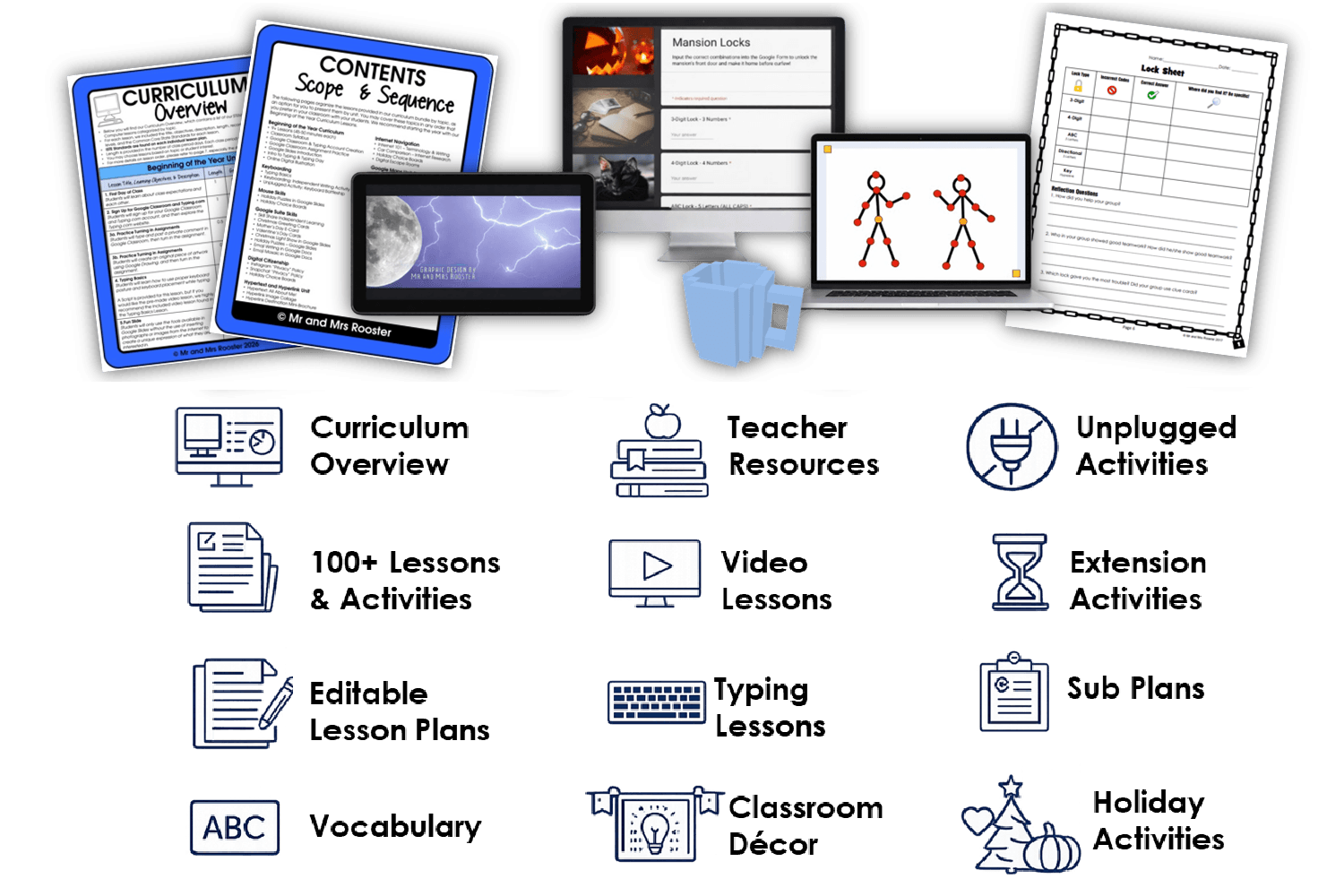
Topics Covered
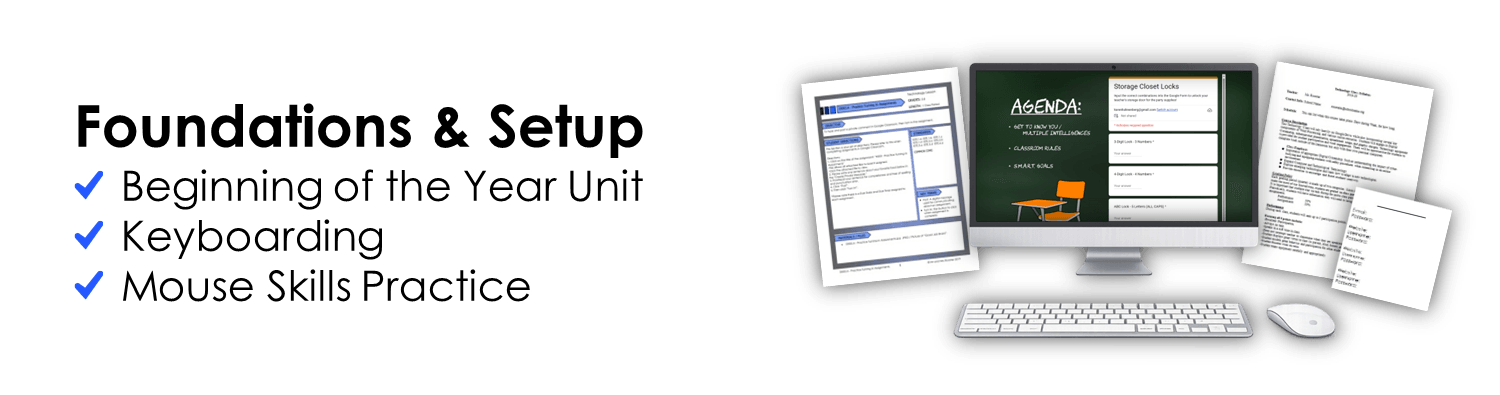
Foundations and Setup
Beginning of the Year Unit
Keyboarding
Mouse Skills Practice
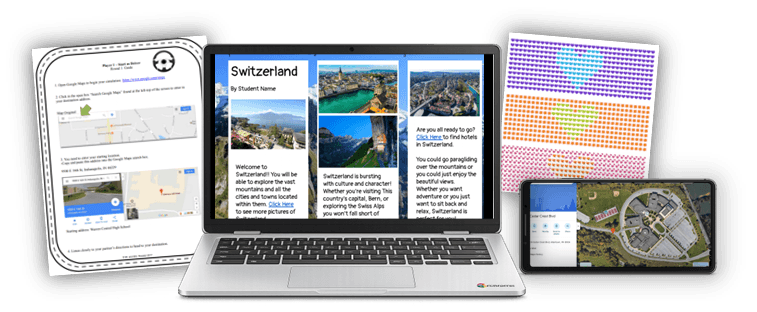
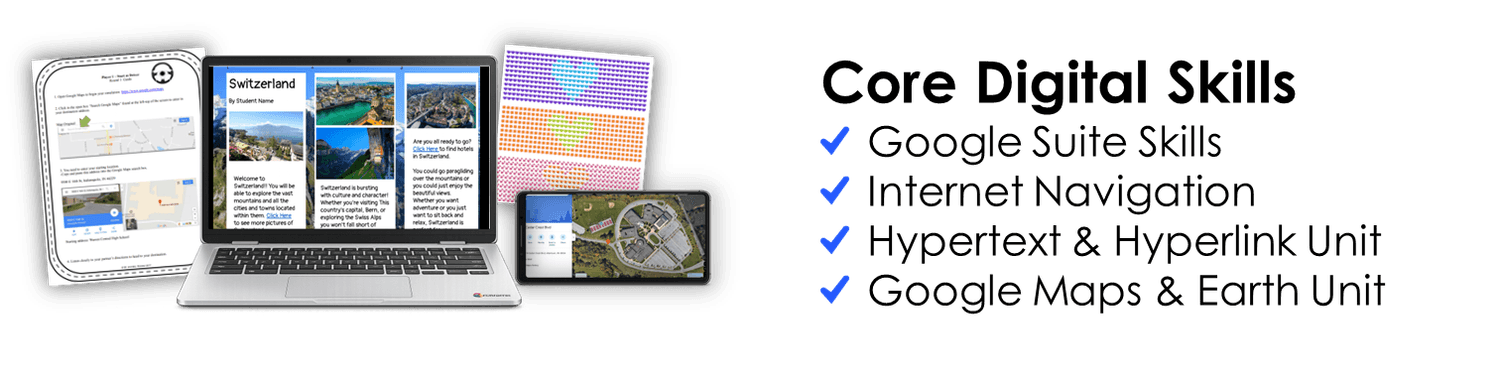
Core Digital Skills
Google Suite Skills
Internet Navigation
Hypertext & Hyperlink Unit
Google Maps & Earth Unit
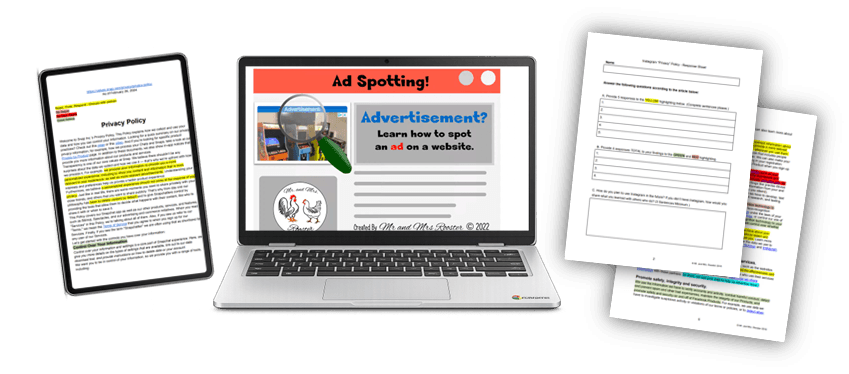
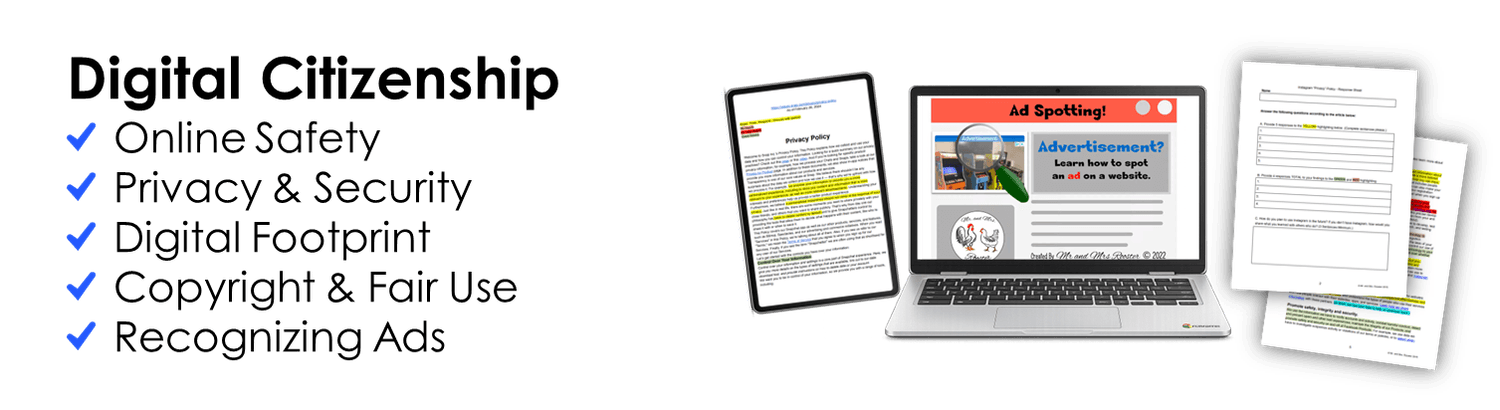
Digital Citizenship
Online Safety
Privacy and Security
Digital Footprint
Copyright and Fair Use
Recognizing Ads
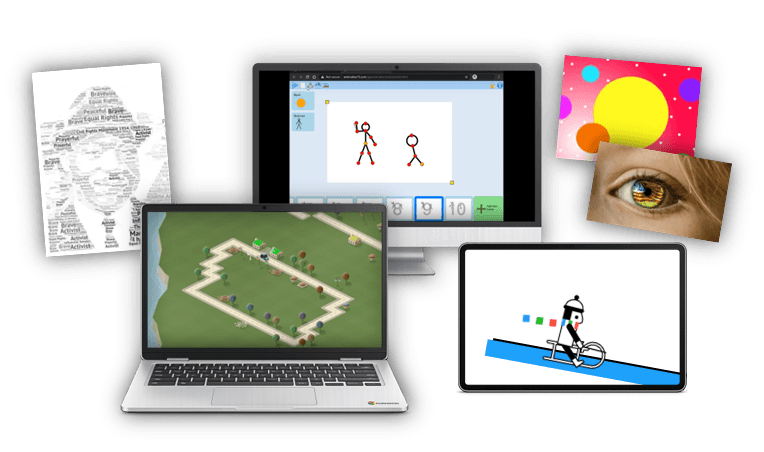
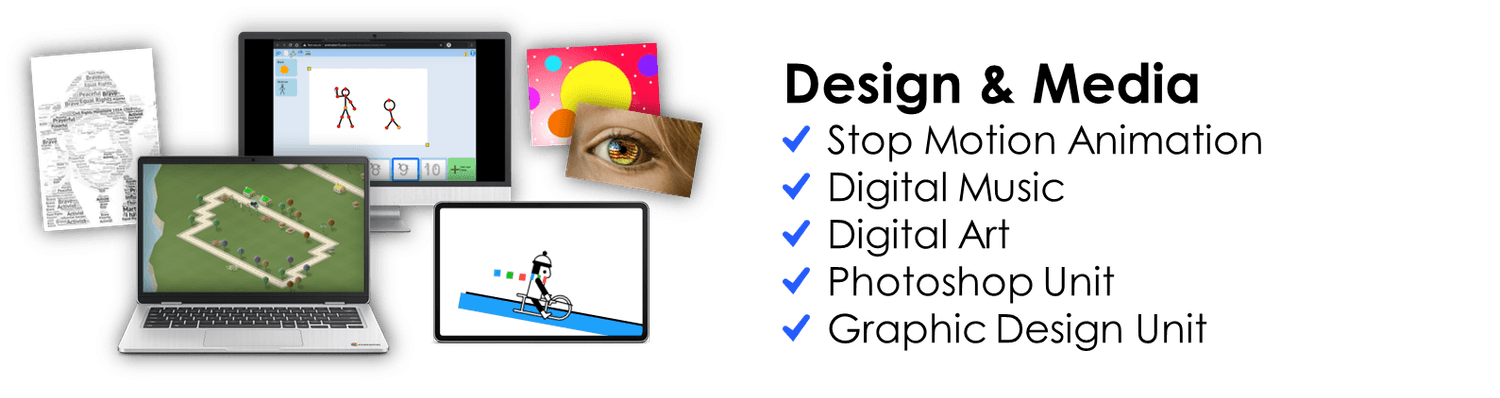
Creation, Design, and Media
Stop Motion Animation
Digital Music
Digital Art
Photoshop Unit
Graphic Design Unit
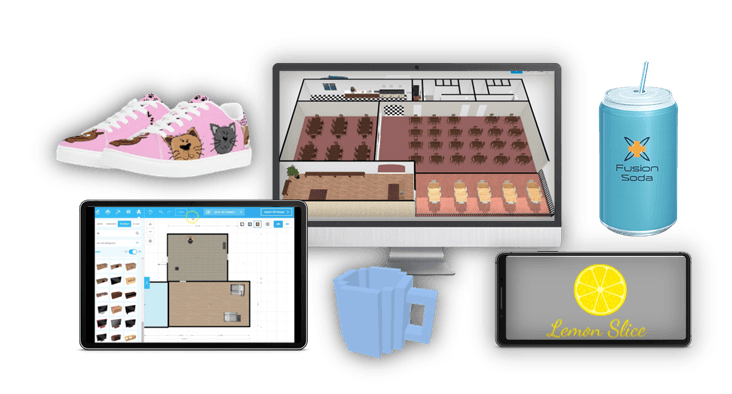
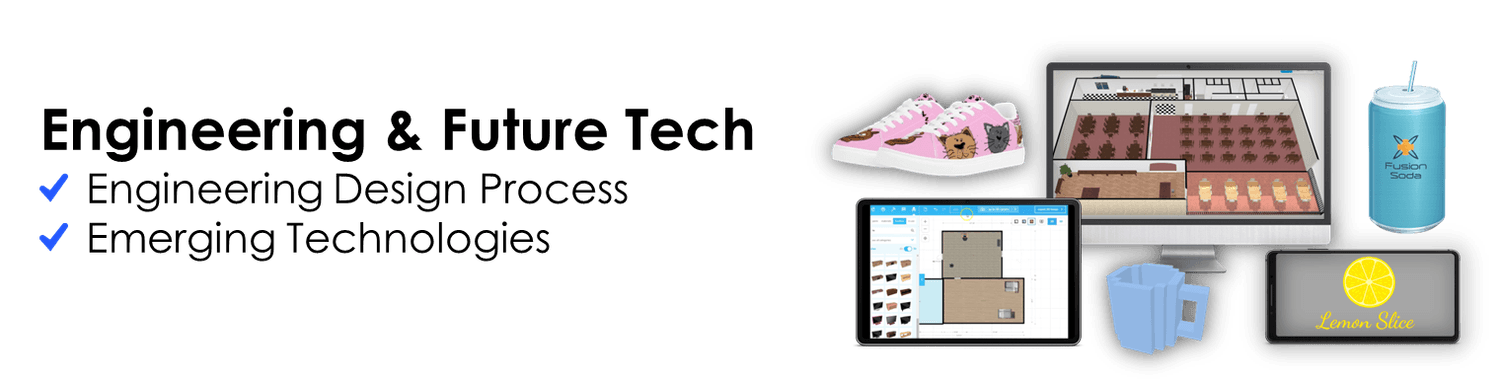
Engineering and Future Tech
Engineering Design Process
Emerging Technologies
Logo and Shoe Designs
3D Printing
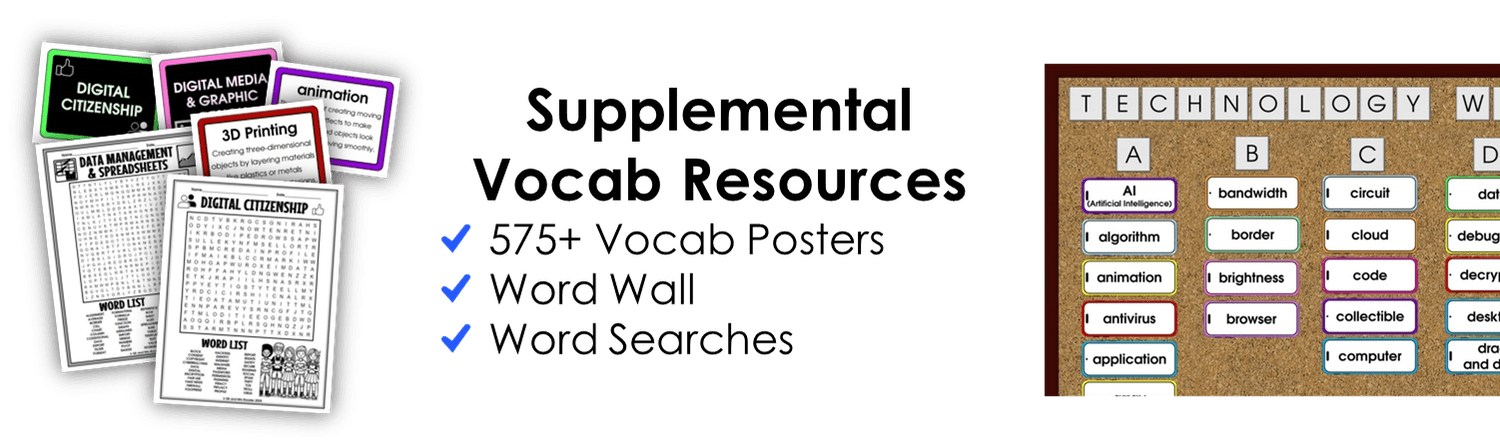
Supplemental Vocab Resources
575+ Technology Vocab Posters
Technology Word Wall
Technology Word Searches
Frequently Asked Questions
Our curriculum guides students and teachers through Google Suite, Keyboard/Typing, Mouse Skills, Digital Citizenship, Internet Navigation, Hypertext and Hyperlinks, Google Maps and Google Earth, Stop Motion Animation, Engineering and Design, Emerging Technologies, Digital Music, Graphic Design, Photoshop (free version), Digital Art, Warm-Ups, and Early Finisher Activities.
Both! Our curriculum contains the most real-life, skill-applicable activities that would benefit any student (or even adult!) in learning essential and advanced life skills in technology. This curriculum can be used as a dedicated Computer or Technology class. It can also be used as a STEM class with its online, interactive, and simulation tools. Most of our lessons do not have prerequisites, and the technological skills needed are taught in each lesson. This allows you the freedom to choose the order of lessons you would like to teach.
Nope! Our curriculum makes it as easy as possible with Copy and Paste directions! You can copy and paste our provided directions to your students into a Google Classroom, LMS, website, or print them! Whether you’re a middle school teacher, high school teacher, previous elementary teacher, Technology teacher, Computer teacher, media staff, librarian, home school parent, after school program leader, summer camp instructor, or trade school facilitator, you can use our Technology and STEM Curriculum!
Yes! We include everything so that a first-year teacher would have a successful year of teaching! Whether you are a new or veteran teacher, we have classroom teacher tools for everyone, including: editable seating charts, editable syllabus, labels, classroom décor, and more!
Yes, these lesson plans are very detailed! We have received feedback from teachers who have used them as sub plans with great success. The lesson plans include everything you need to teach the lesson and even have copy/paste directions for the students so you can post it on a class website or Google Classroom.
Each weekly lesson period is arranged for approximately 45–50 minute sessions. The projects included often range between 1–4 class periods depending on the project. Our curriculum extends over 7 years’ worth of weekly lessons and activities for grades 6–12. Most lessons have an extension activity that can extend the activity as needed.
Our curriculum would be a great supplement for a typing class. We offer foundational Typing lessons to ground students in technique, posture, and goal setting. Our project-based lessons are flexible so you can pick and choose which ones you want to use. There are lesson orders with the units. You will have plenty of options and more than enough time to use well beyond even the semester time frame.
You really just need a device that can connect to the internet. These devices could be any one of these: PC, Mac, Chromebook, Tablet/iPad with Google Apps, or a smartphone. We do recommend larger screens as it makes it much easier for students to view the websites.
Oh definitely! I made and taught all of these lessons using only Chromebooks. It has everything ready to be uploaded to Google Classroom as well.
Yes, these can! We recommend having several apps on your devices to make things easier. These include: Google Classroom, Google Docs, and Google Slides. That way, when they go to open the files, it will be ready to go instead of asking you to download the app. For the typing lessons, we recommend a wireless Bluetooth keyboard to connect to the iPad or smart phone.
Yes! All resources are available as Word and PowerPoint files which can be uploaded into Google Drive which can be converted into a Google Doc/Slide as well. On the flip side, you can download a Google Doc/Slide from us and it will be downloaded as a Word/PowerPoint file.
Yes, they would! All of the lesson plans are provided with copy and paste student directions. If you don't use Google Classroom, you can post them on your class website, LMS (Moodle, Blackboard), print them, or display them on the board. Everything is provided just the same. It is Google Classroom ready to copy and post the directions, but you can share them however best fits your delivery.
Nope! It is organized for Google Classroom, but is also made for Office as it has Word and PowerPoint files. You can attach and post directions to a class website as an alternative; all attachments are included such as PDFs, .DOCX, and PPTX. Google Classroom is suggested as it makes copying files a breeze, but printing the directions or displaying them on a projector for students to view while working works just as well.
Subscriptions and logins are not necessary. Some of the lesson plans involve needing a login ONLY if you want them to save their work and continue another day. This is completely optional and not necessary. Any login used for a project will be a free account and will have all the tools and options available to complete the lesson without any subscriptions or upgrades.
Yes! As the teacher, you have the freedom to adjust or adapt the lesson to fit your classroom needs. Many of our lessons are made in Google Docs, so once you “Make a Copy,” it will be yours to edit! All student directions are copy-and-paste possible and editable. Some lessons are locked as a PDF for formatting, and these will not be editable. For the locked PDF files, we provide an editable Word file of the student directions so you can still make changes before you post the lesson.
That may depend on your students’ technology and independent skills. However, we have received much feedback from teachers who have left our lesson plans with substitute teachers and they were happy with the results! We too have done this! The lesson plans are detailed enough that a sub with no tech background can teach them! We have also used our lessons during remote learning with success as well!
Yes, they would! All of the lesson plans are provided with copy and paste student directions. If you don't use Google Classroom, you can post them on your class website, LMS (Moodle, Blackboard), print them, or display them on the board. Everything is provided just the same. It is Google Classroom ready to copy and post the directions, but you can share them however best fits your delivery.
Nope! It is organized for Google Classroom, but is also made for Office as it has Word and PowerPoint files. You can attach and post directions to a class website as an alternative; all attachments are included such as PDFs, .DOCX, and PPTX. Google Classroom is suggested as it makes copying files a breeze, but printing the directions or displaying them on a projector for students to view while working works just as well.
Yes! We keep our lessons current!
Since many of our projects are Project Based Learning and STEM focused, they are assessed differently from traditional testing. We do however, include guides and grading rubrics as needed! The Google Maps Unit has a traditional assessment, while the majority of projects follow a rubric and specific requirements for each project.
Still have questions?
We're happy to help! Email us anytime at contact@technologycurriculum.com and we'll get back to you as soon as possible.
Start Here

Try it Free!
No purchase necessary.
Just enter your email to access.
*Free Access includes select materials.
Get the Full
Curriculum
Save hours each week
Lifetime updates included
Instant Access
TechnologyCurriculum.com is an educational curriculum offering teachers resources that will help teach any STEM, Computer, or Technology class for Middle School through High School.
Copyright 2026 TechnologyCurriculum.com
is a division of Mr and Mrs Rooster - All Rights Reserved